
Reports, history and traces
Review persistent run history and open Playwright's native evidence surfaces.
Wrightbench stores run summaries locally so results remain useful after a Playwright process exits.
Report
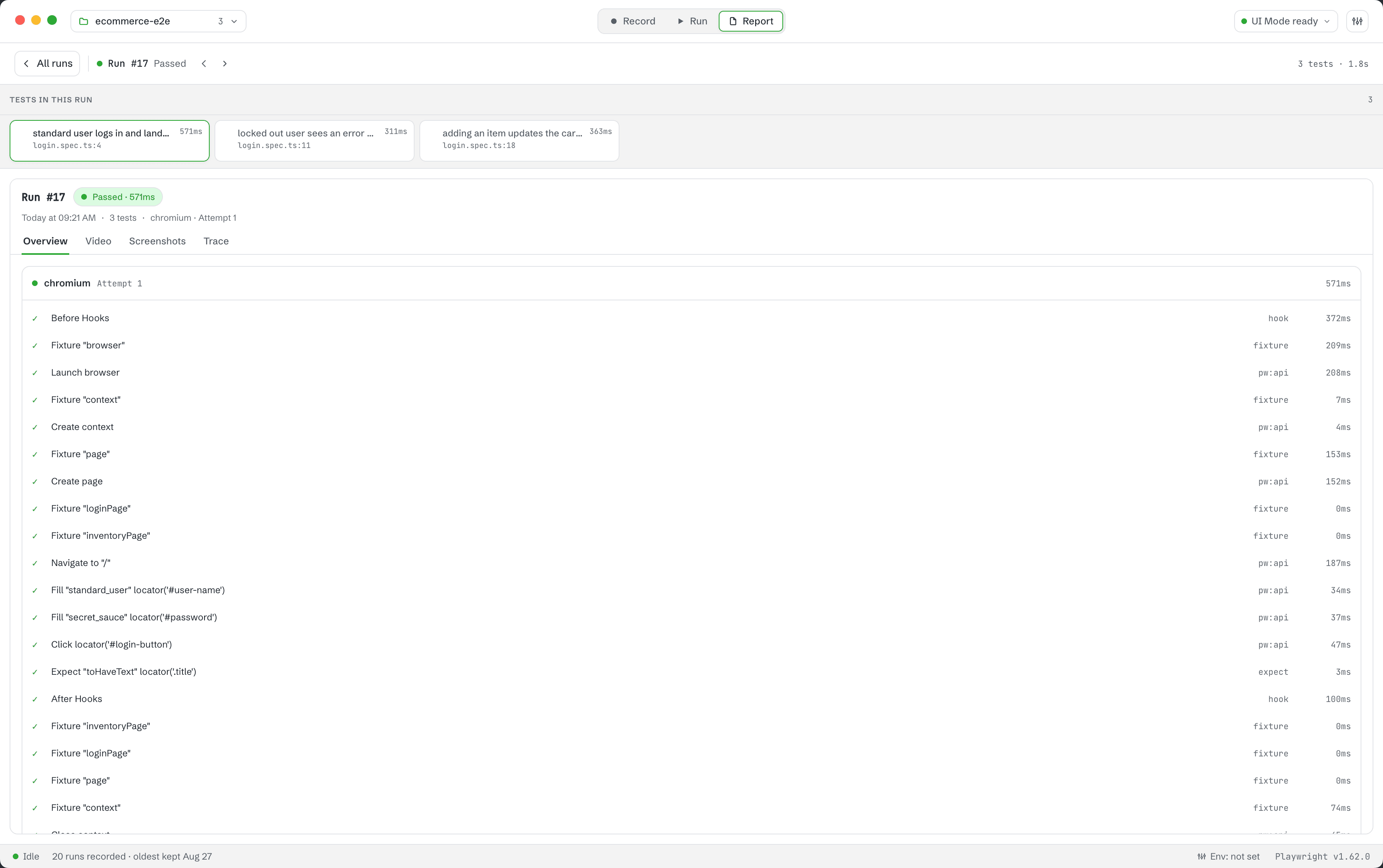
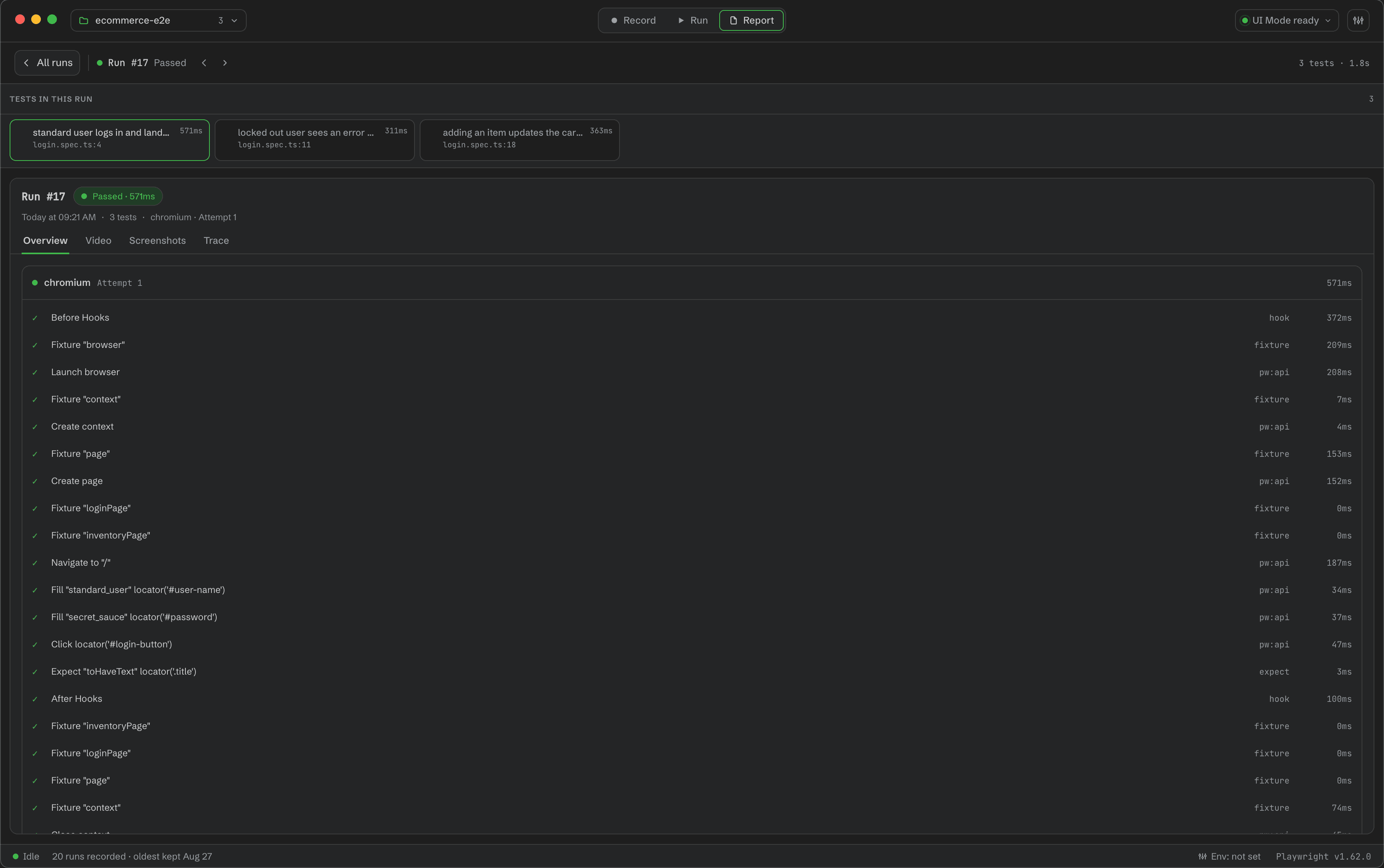
The Report destination combines Wrightbench's run history and analytics with the latest available Playwright HTML report. Wrightbench starts the project's show-report server and embeds the matching report frontend.
Trace Viewer
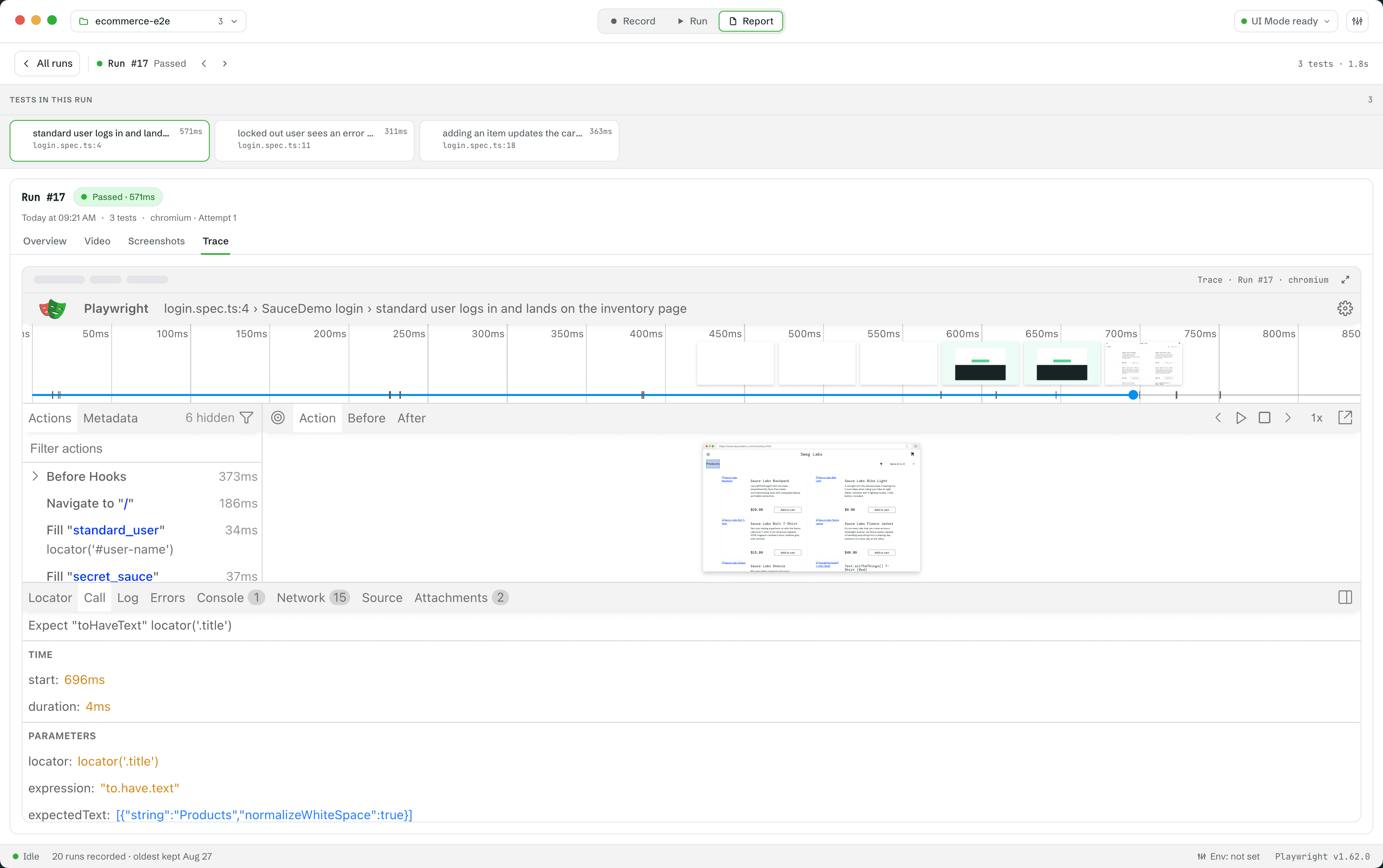
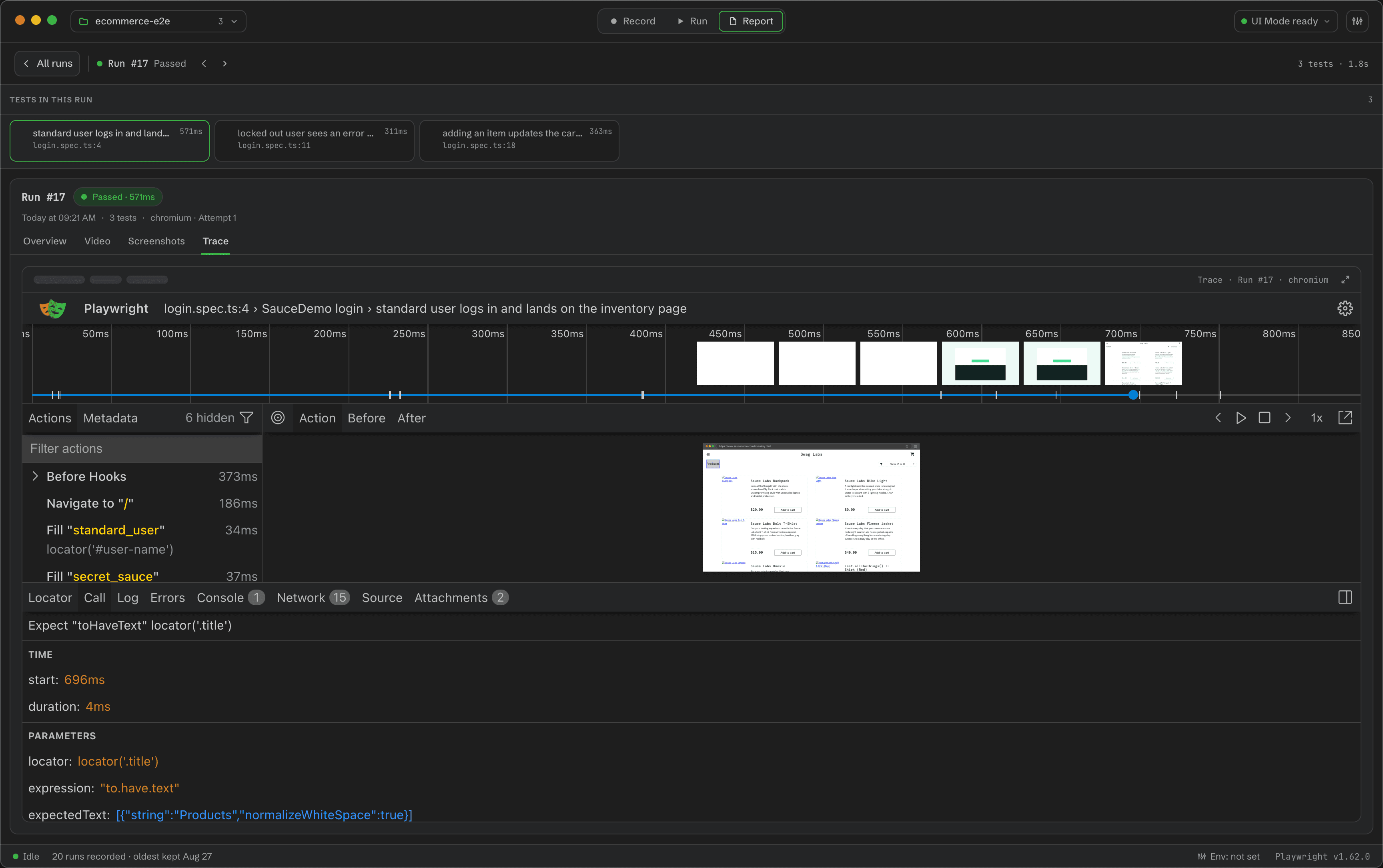
Error-banner actions, failed or flaky history entries, and test-row quick actions select the recorded run and open its trace in Playwright's native Trace Viewer. The viewer assets always come from the selected project's Playwright installation.
Analytics
- Flaky percentage is the pass↔fail alternation rate over the last 10 outcomes.
- Duration regression compares the median of the last five runs with the median of the prior 20.
Evidence collection follows the capture policy selected in Settings. Wrightbench can deliberately override a project's capture mode when that policy requires trace or report evidence for a run.