
Record with Codegen
Launch a project-local browser and generate a Playwright test with the native recorder.
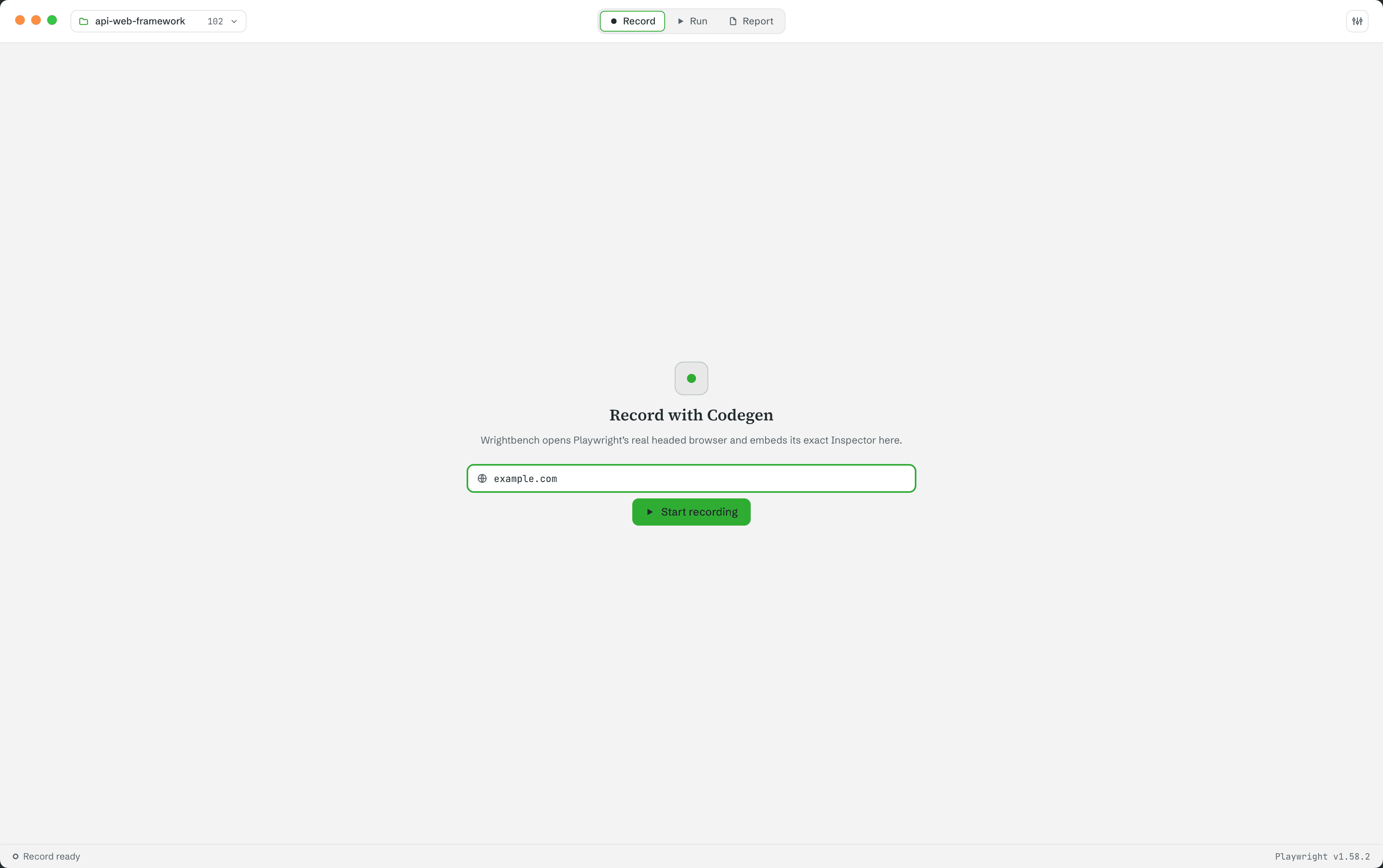
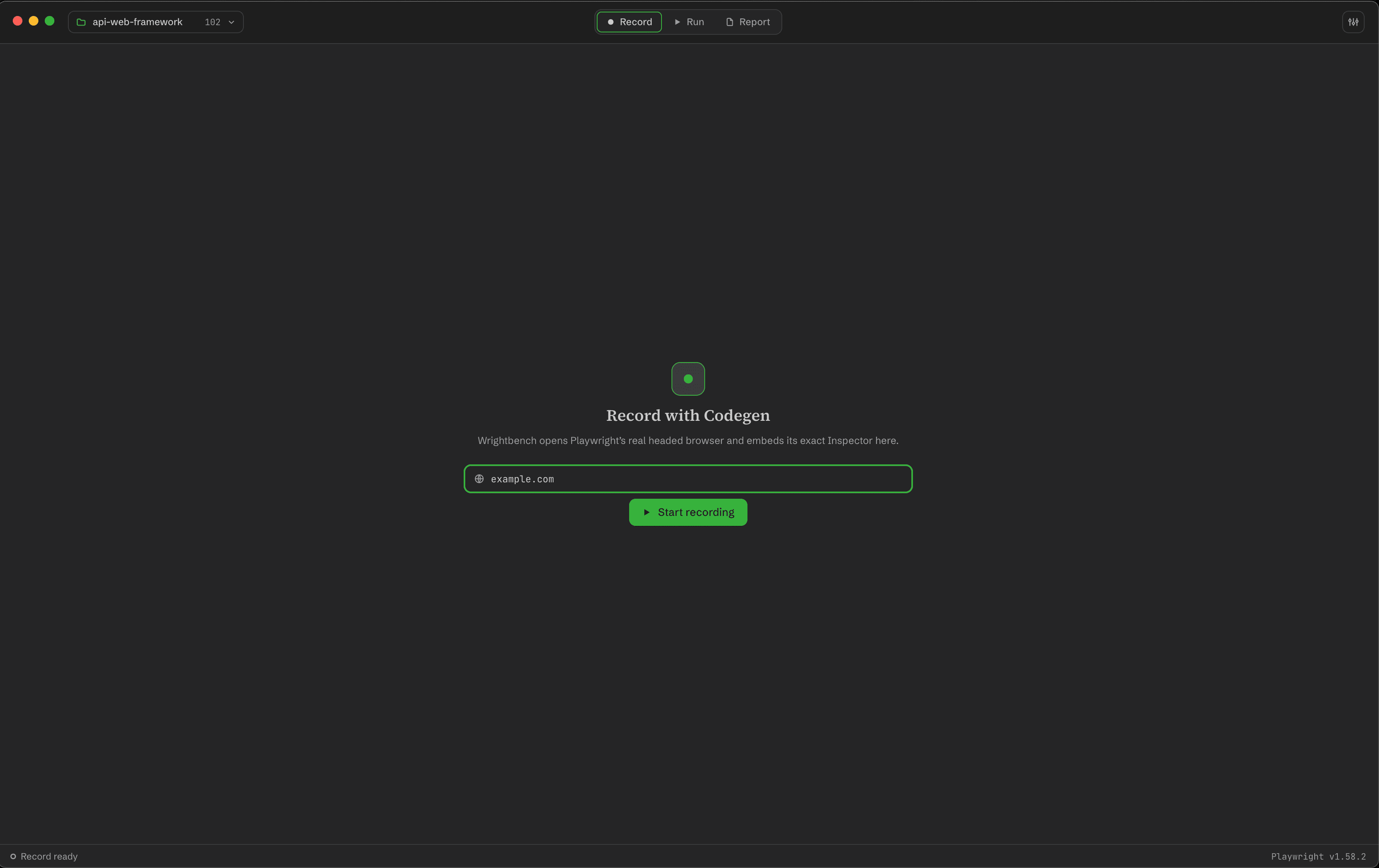
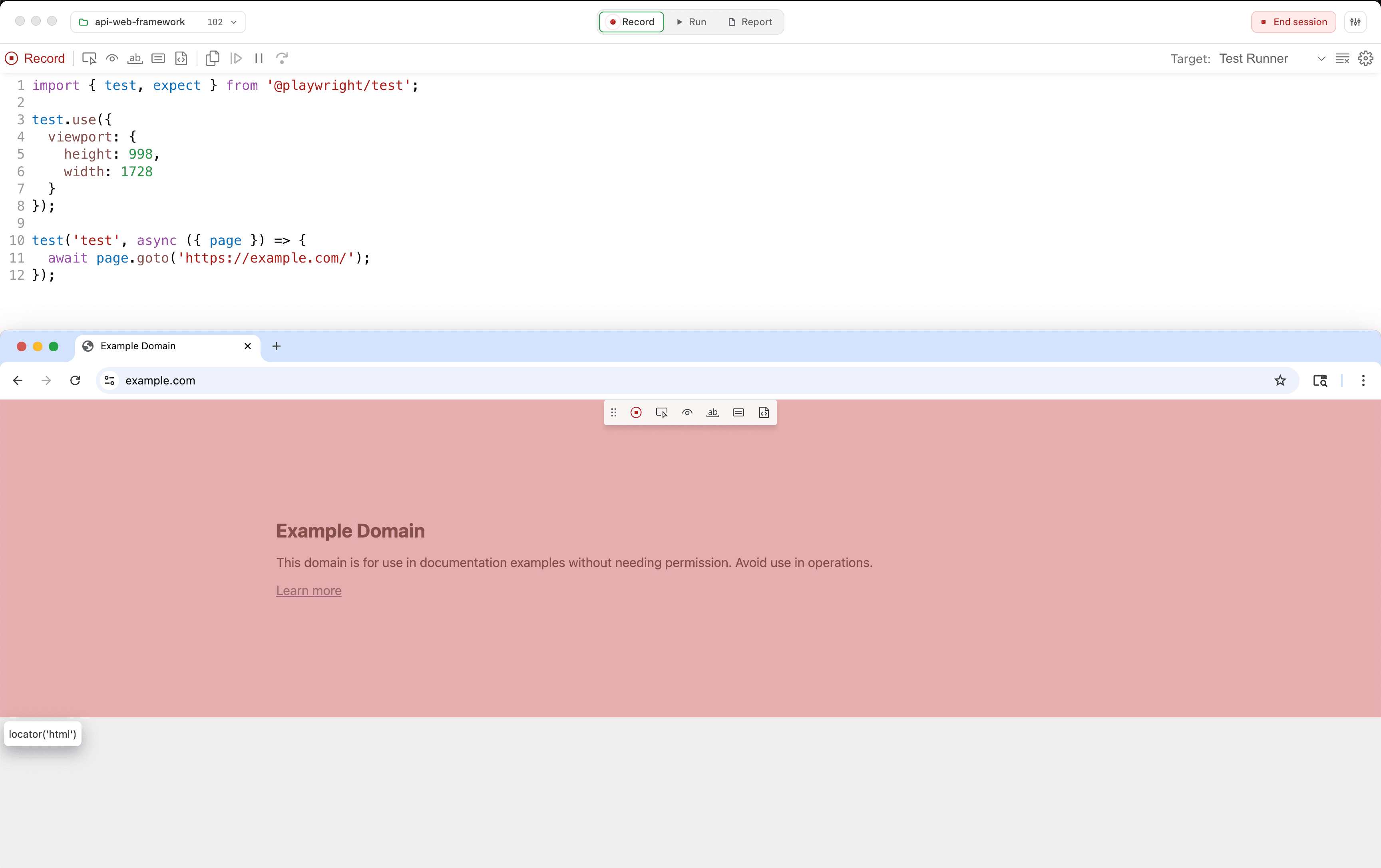
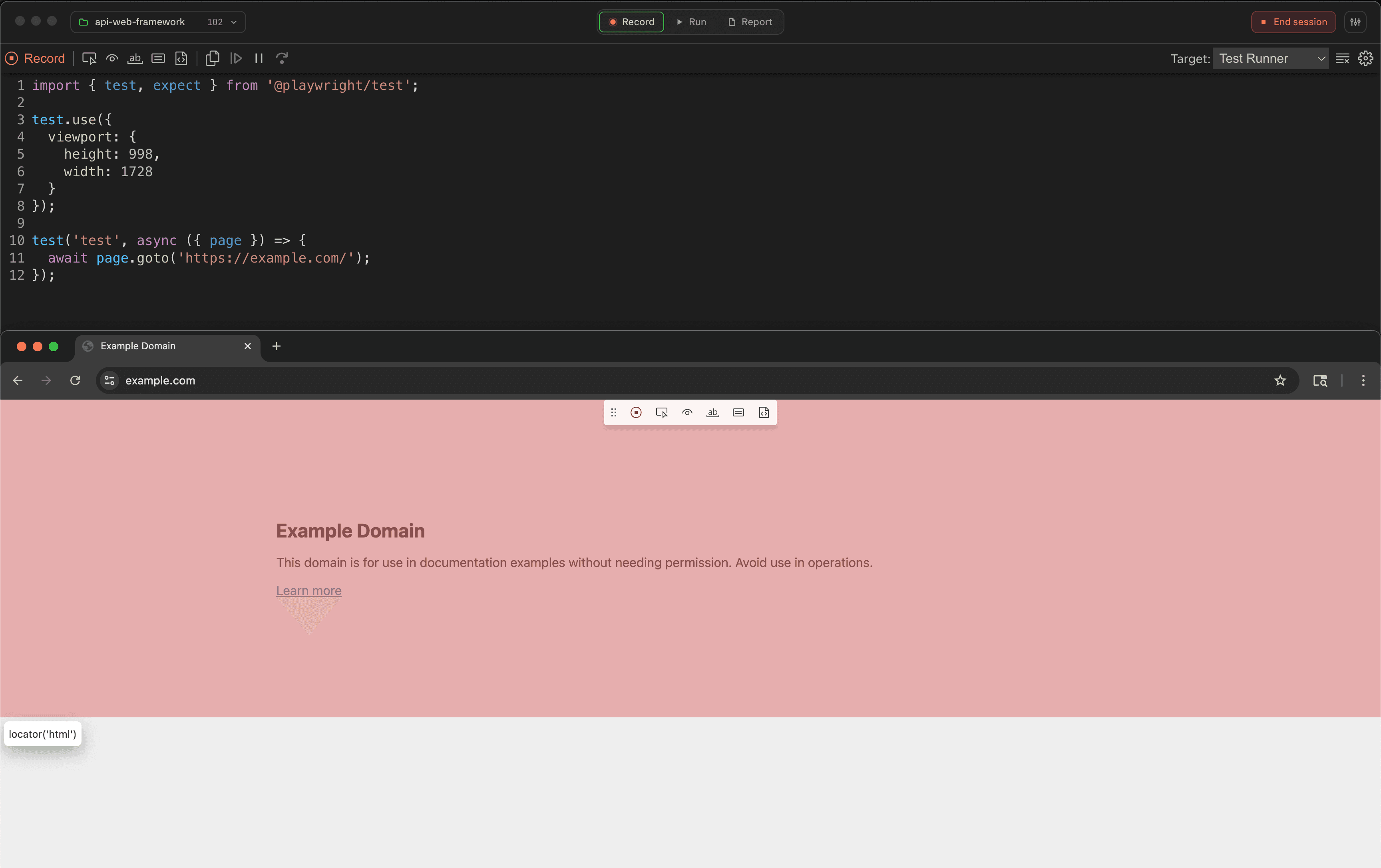
Record launches the selected project's genuine Playwright browser and Inspector frontend. The browser is a separate headed window; the Inspector is embedded inside Wrightbench.
Start recording
- Select Record.
- Enter the initial URL.
- Choose Start recording.
- Interact with the headed browser and copy the generated test from Playwright's Inspector.
Wrightbench performs one best-effort focus handoff to the inspected page when the session starts. It does not repeatedly steal focus while you work.
End the session
Choose End session in Wrightbench's titlebar. This closes the Playwright-owned browser and returns Record to its launcher.
Stop Recording is different
Playwright's Stop Recording control changes recorder mode. It does not end Wrightbench's Record session or close the headed browser.
Missing browser binaries
If Playwright reports that an executable is missing, run the displayed remedy from the project, for example:
npx playwright install chromium