
Import a Playwright project
Register an existing workspace through Wrightbench's passive project detection.
Import registers a workspace and its Playwright configurations. It does not modify the workspace's files.
Choose the workspace
From the welcome screen, select Import Playwright project and choose the repository or monorepo root that contains your Playwright setup.
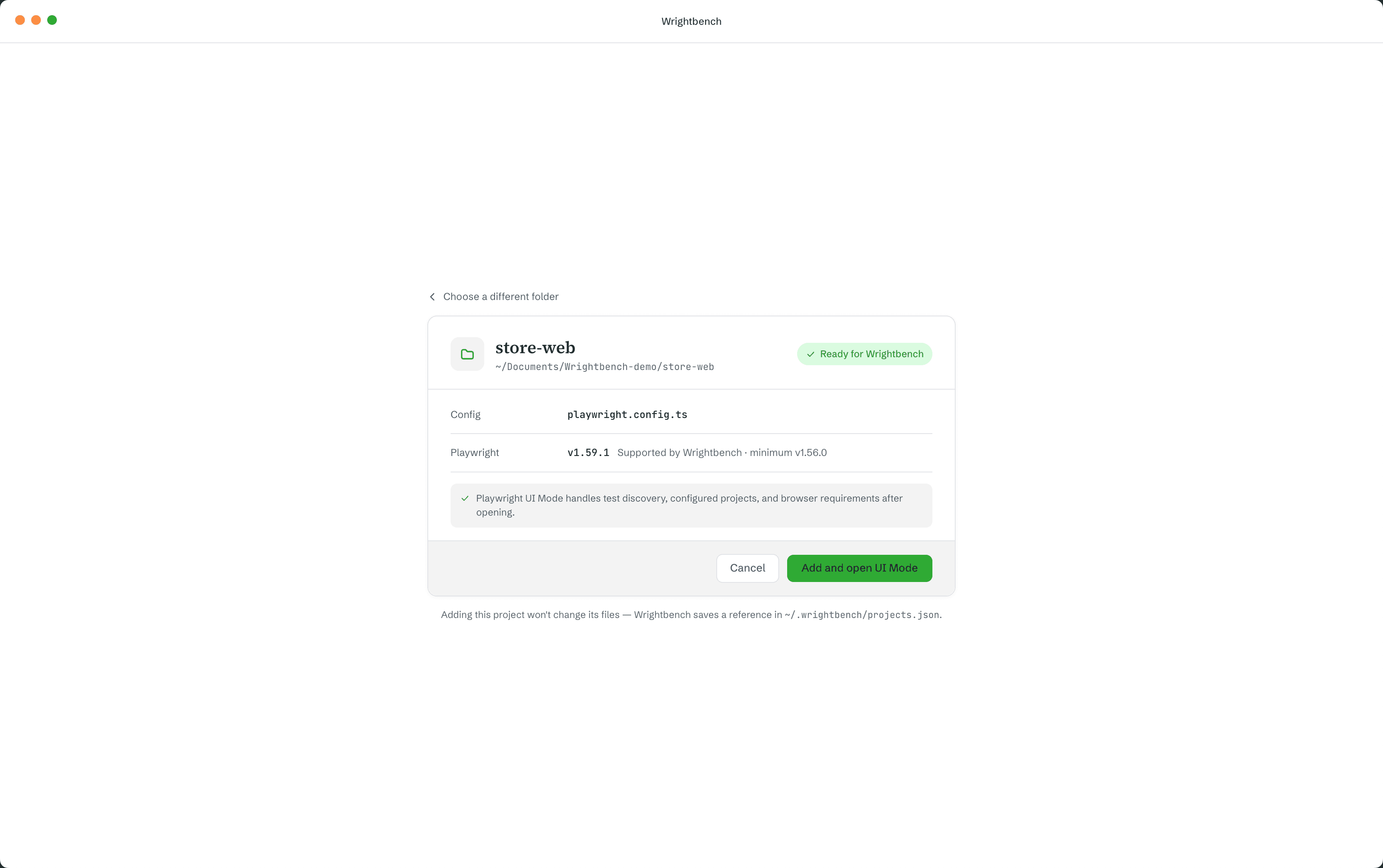
Review detected configurations
Wrightbench passively scans for canonical Playwright configuration contexts. It does not run package scripts, load test files or probe installed browsers during import.
Resolve dependencies if needed
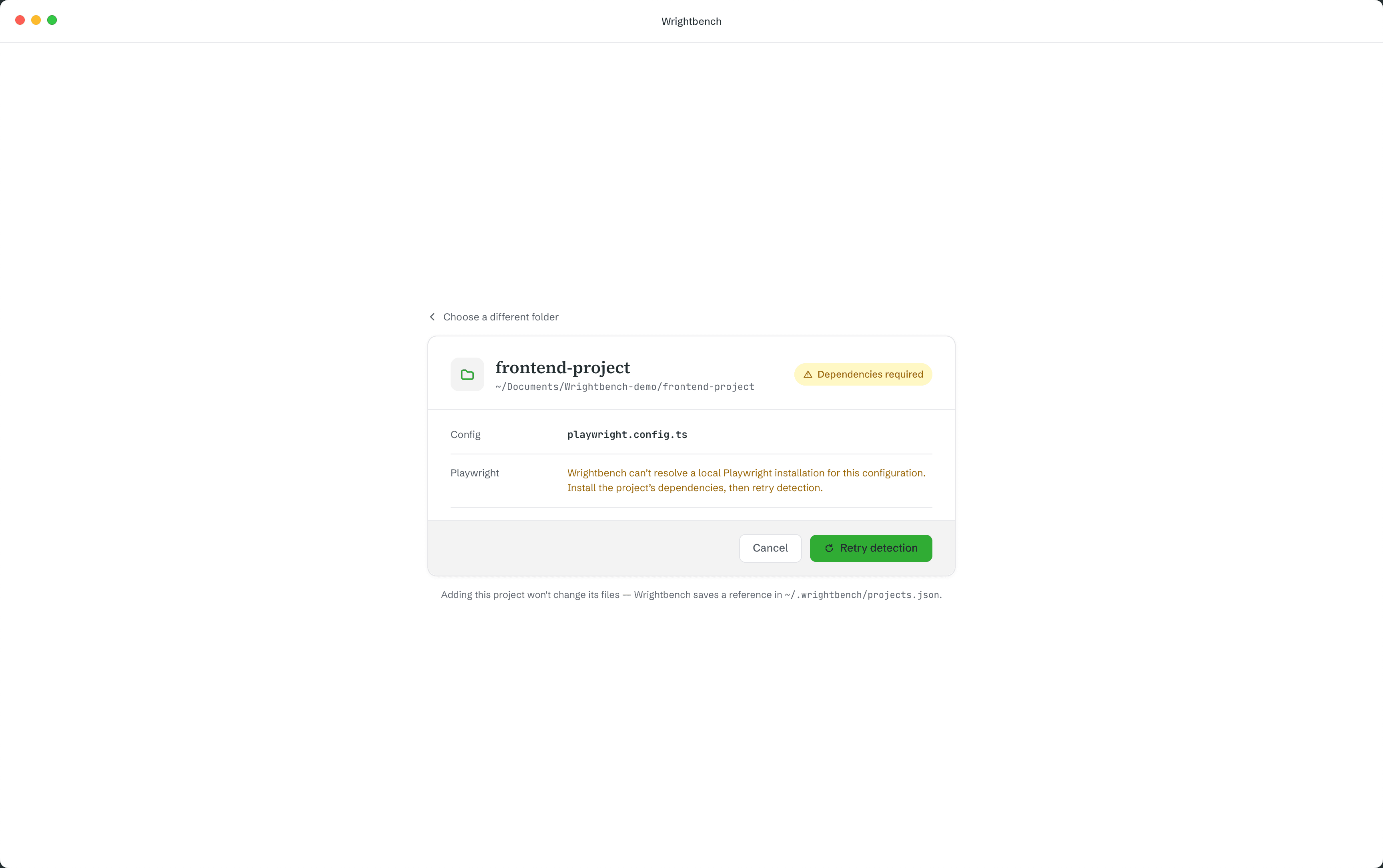
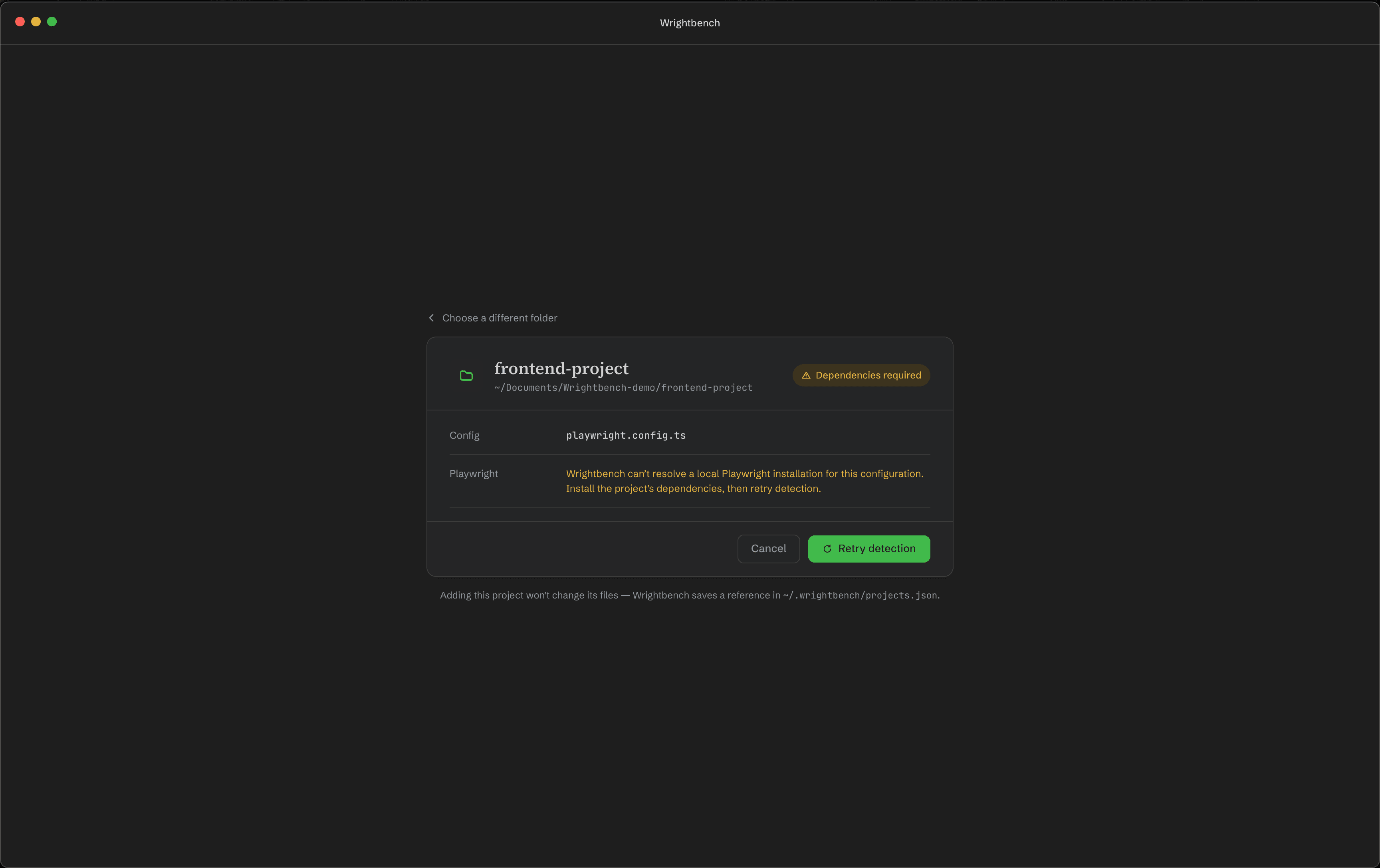
The selected configuration must resolve a supported project-local @playwright/test. If dependencies are missing or incompatible, correct them in the project and choose Retry detection.
Add the project
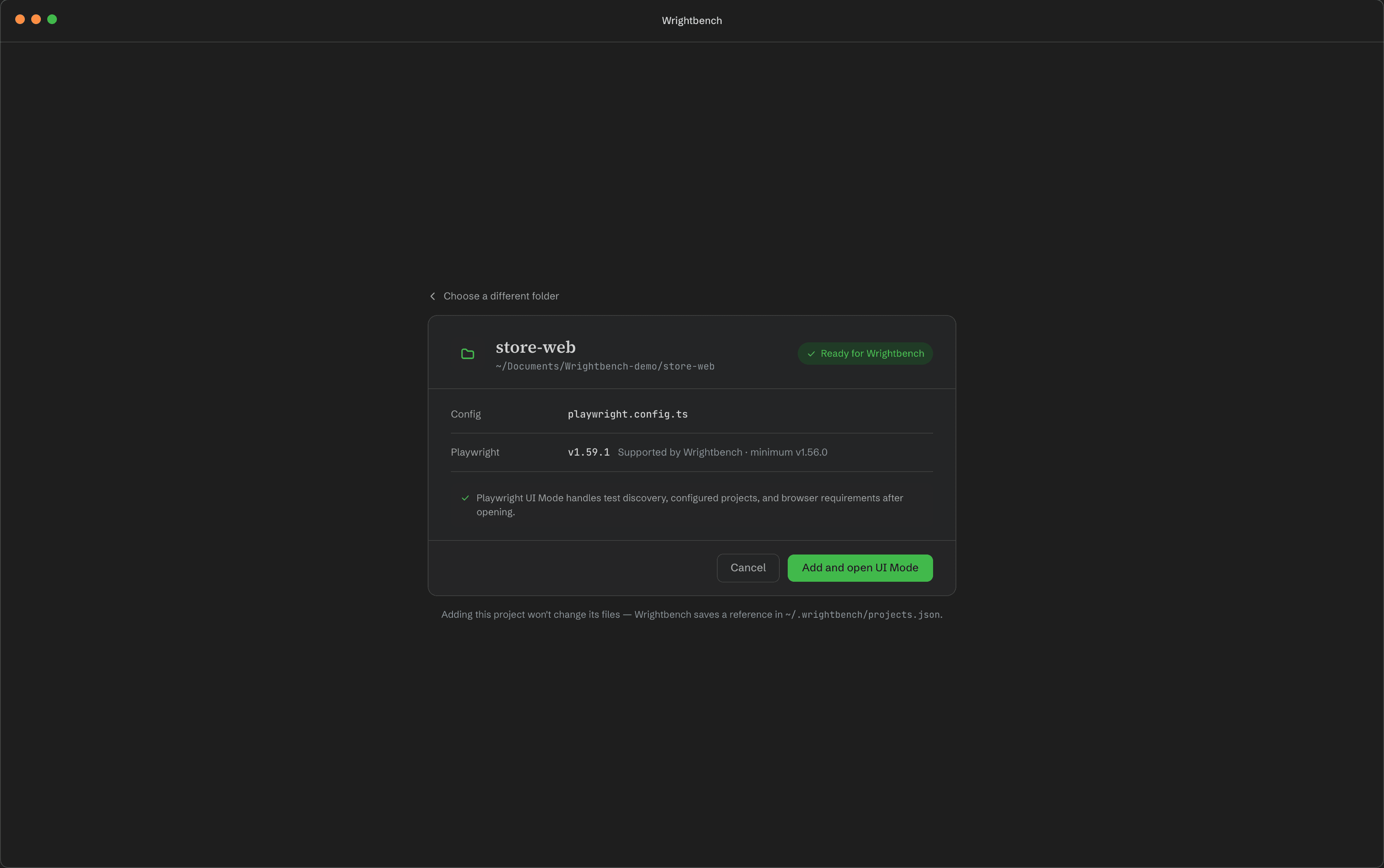
Confirm the detected project. Wrightbench stores only its registry data under ~/.wrightbench/; the imported repository remains unchanged.
Monorepos and multiple configurations
A Wrightbench workspace can hold more than one harness target. Each target represents a concrete Playwright invocation context: working directory, config path, package root and launcher information. Playwright projects such as chromium, setup or webkit remain inside the selected Playwright configuration.
If detection finds nothing
Confirm that the selected folder contains a Playwright config and a locally installed @playwright/test. See Compatibility for the supported range.