
Wrightbench documentation
Install Wrightbench, import a Playwright project and use Record, Run and Report.
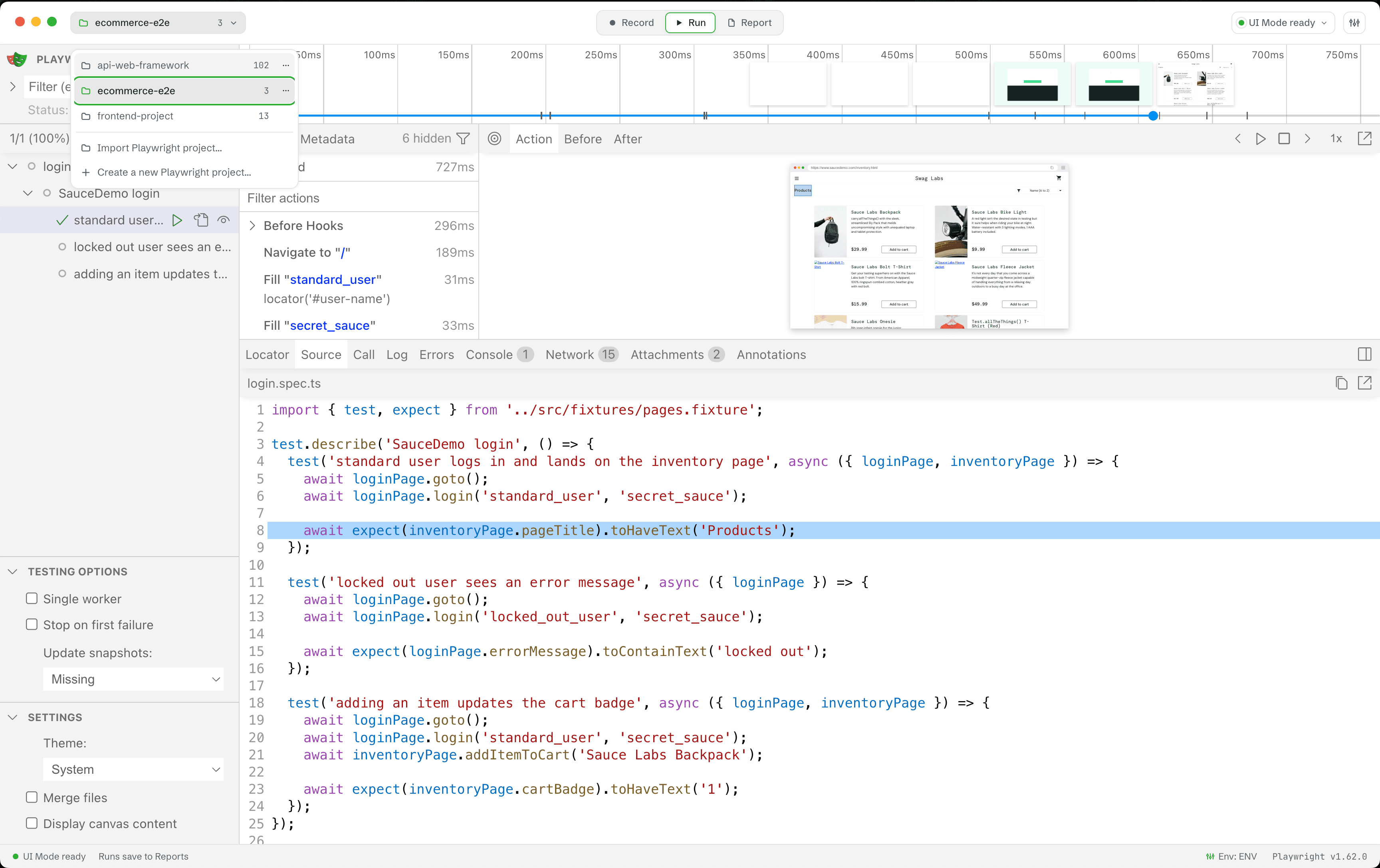
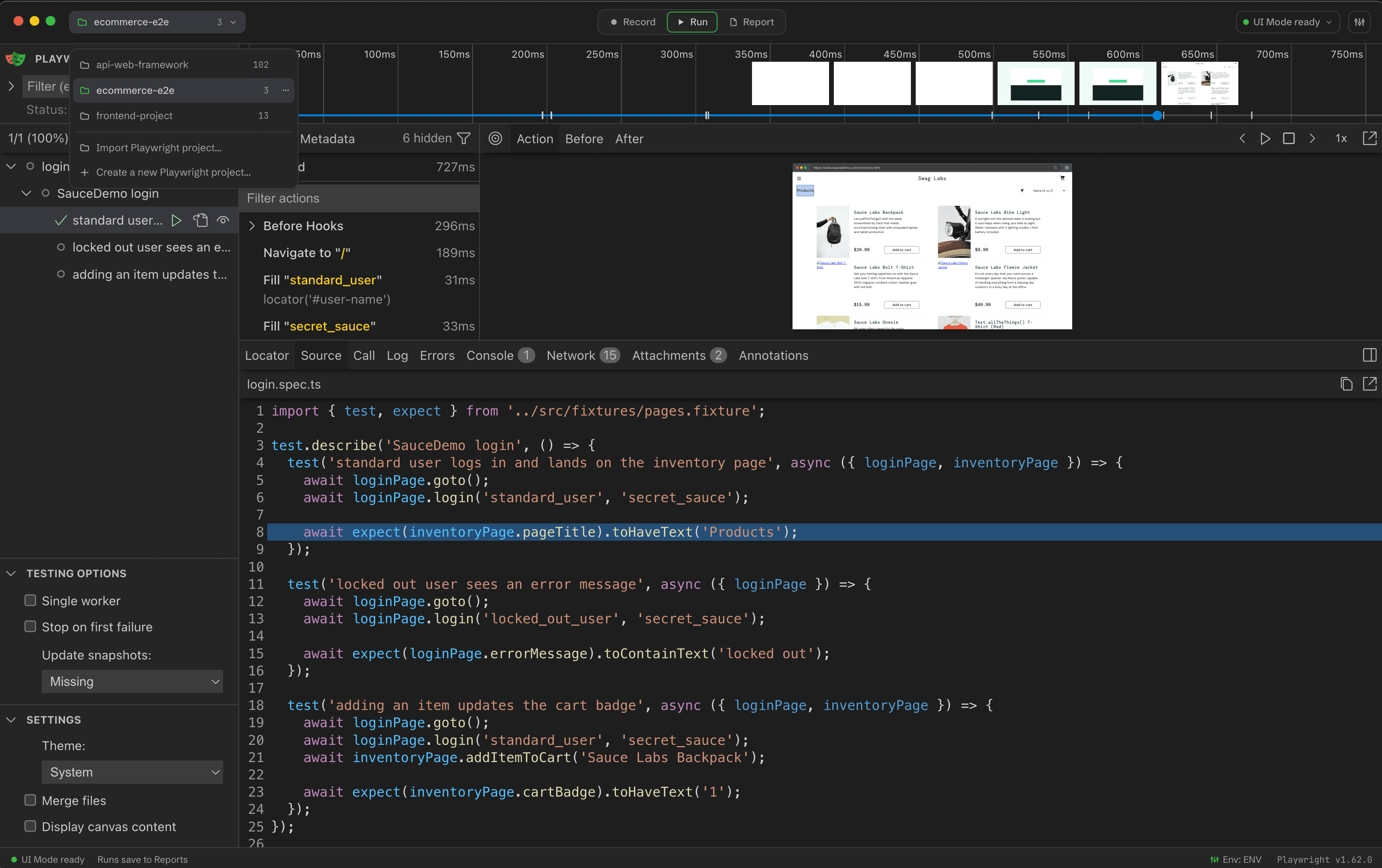
Wrightbench is a desktop studio for recording, running, debugging and reviewing Playwright test suites. It keeps Playwright's own Inspector, UI Mode, HTML report and Trace Viewer in one multi-project workspace, with every run kept in local history.
Install Wrightbench
Download the signed desktop build for macOS, Windows or Linux.
Import a project
Connect an existing workspace without changing its files.
Run your first test
Open the embedded Playwright UI Mode and start a run.
Verify a release
Check SHA-256 sums, the SBOM and code signatures.
What Wrightbench owns
Wrightbench owns the desktop workspace, project registry, run history and lifecycle around Playwright's tools. Your Playwright configuration remains the source of truth for tests, projects, environment loading and reporters.
What Wrightbench embeds
- Record uses the project-local Playwright recorder and a headed browser.
- Run hosts Playwright UI Mode without recreating its interface.
- Report combines Wrightbench's persistent history with Playwright's HTML report and Trace Viewer.
Project-local by design
A registered workspace must resolve a local @playwright/test version in the supported range. Wrightbench does not silently download a different Playwright version for it.