
Common issues
Resolve dependency detection, missing browsers and active-session blocks.
Project cannot be imported
Confirm that the selected workspace contains a Playwright config and resolves @playwright/test >=1.56.0 <2.0.0. Install or update dependencies in the project, then choose Retry detection.
A browser executable is missing
Install the named browser from the project directory:
npx playwright install <browser>Replace <browser> with the value in Wrightbench's diagnostic, such as chromium, firefox or webkit.
UI Mode did not start
Open the UI Mode status control and choose Restart. Wrightbench preserves a bounded, redacted startup diagnostic and surfaces the most useful error line instead of a generic runtime banner.
Project switching is blocked
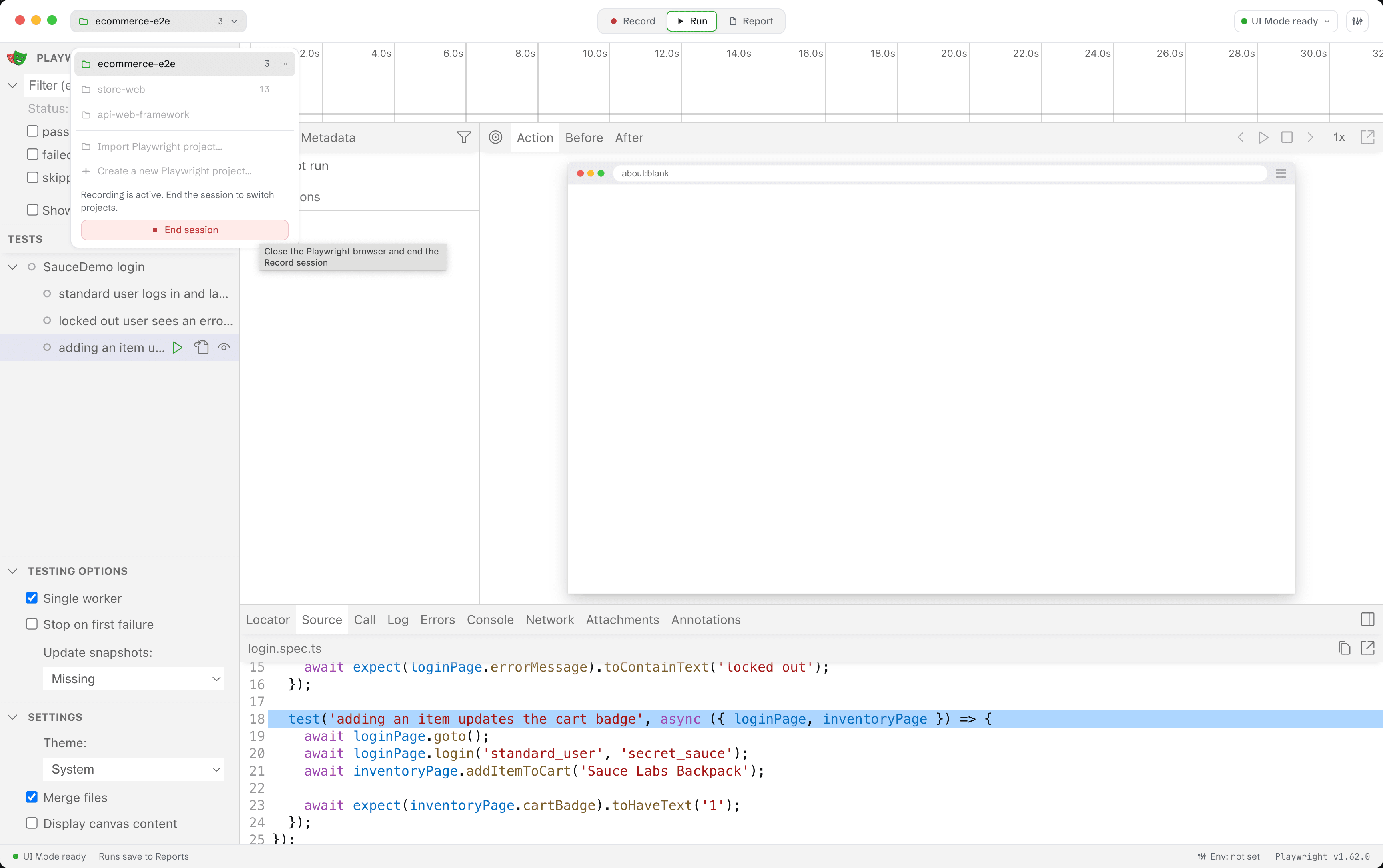
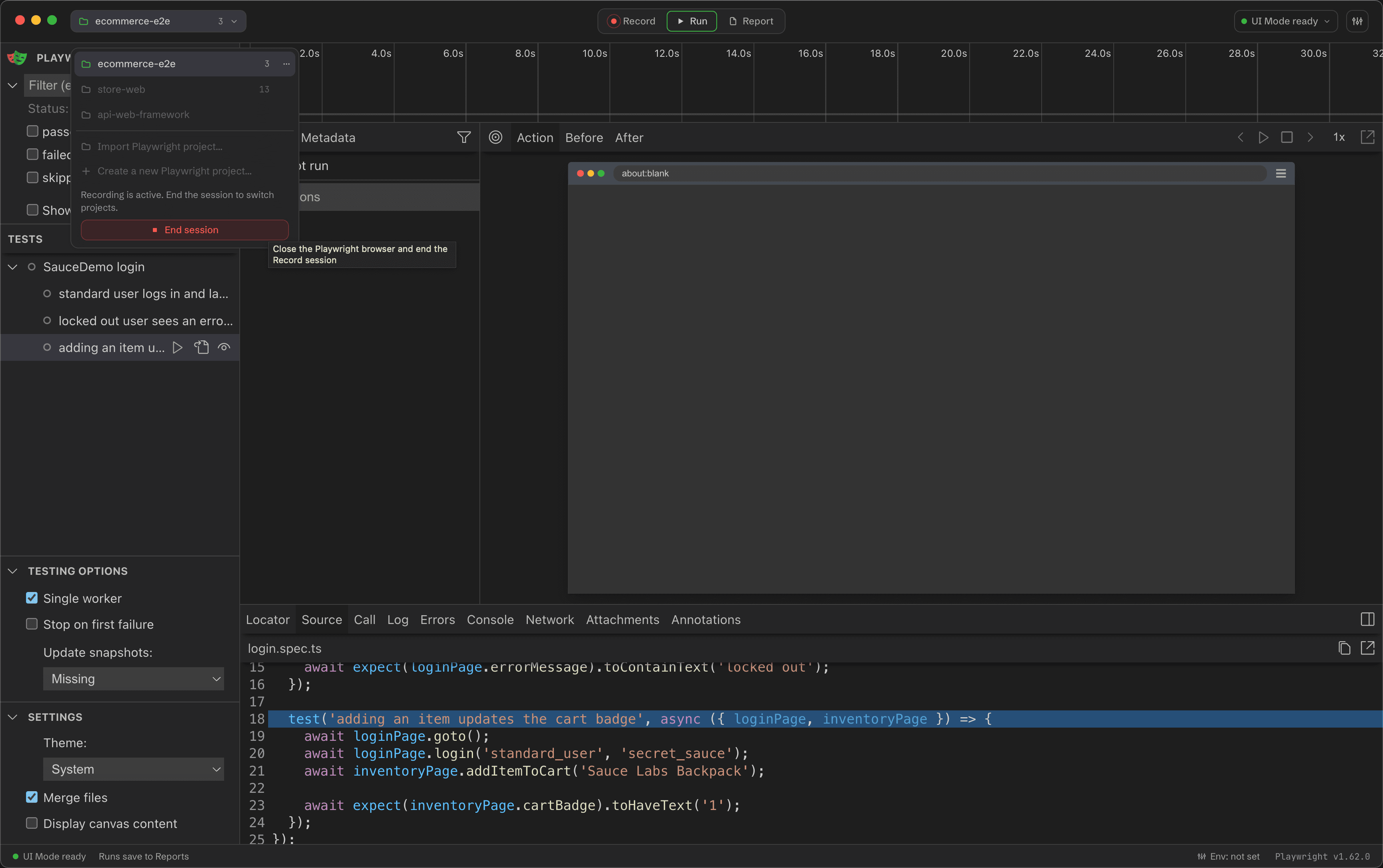
Wrightbench prevents switching while Record, a test run or UI Mode owns work that cannot be transferred safely. For an active Record session, use the fail-tinted End session action in the project menu; the menu remains open after shutdown so you can switch immediately.
No report is available
Run a test from Wrightbench's Tests workflow so the runner can publish an HTML report. UI Mode history can still appear without producing the same latest CLI report artifact.
Still blocked?
Open an issue with your operating system, Wrightbench version, Playwright version and the exact displayed diagnostic. Remove secrets and private paths before posting logs publicly.